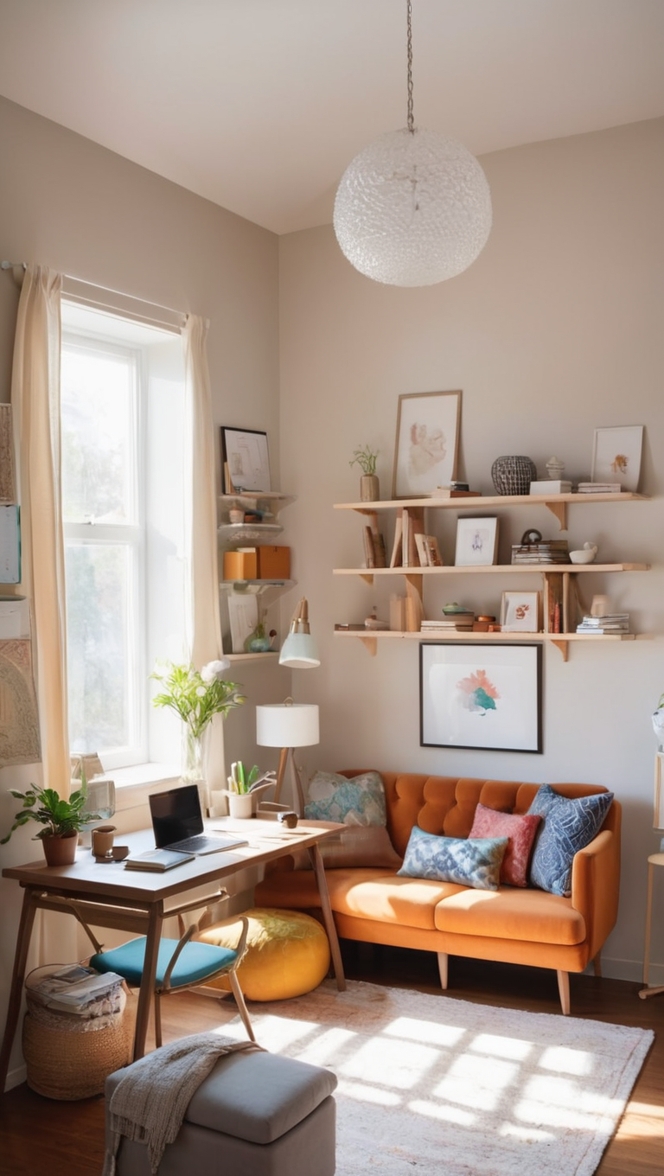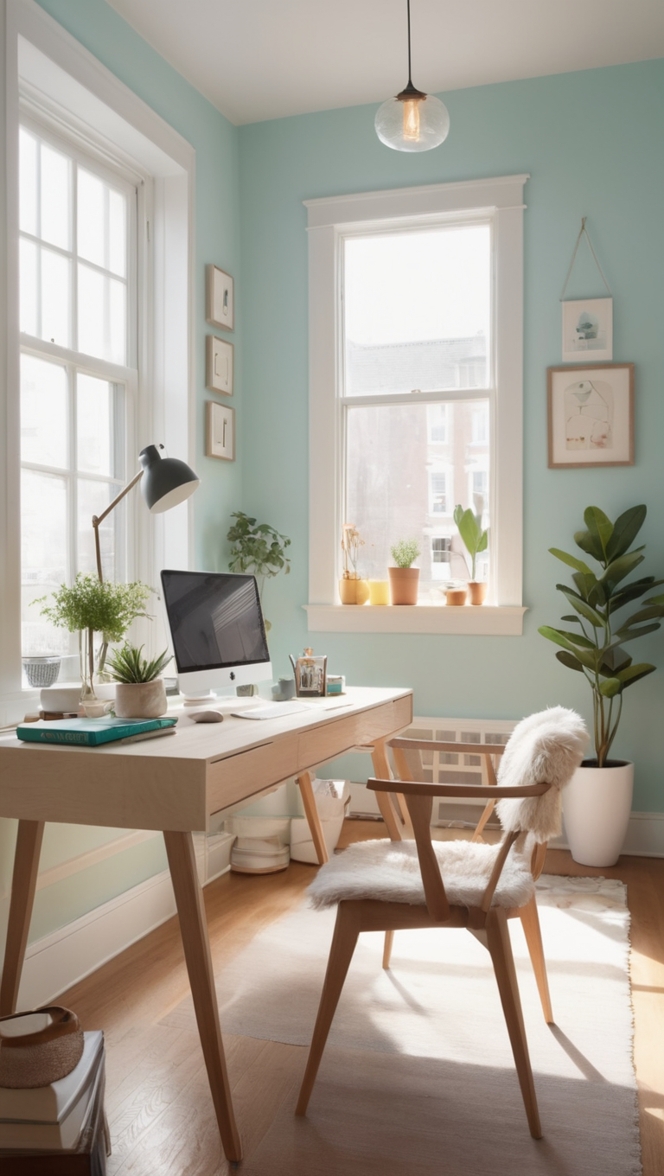
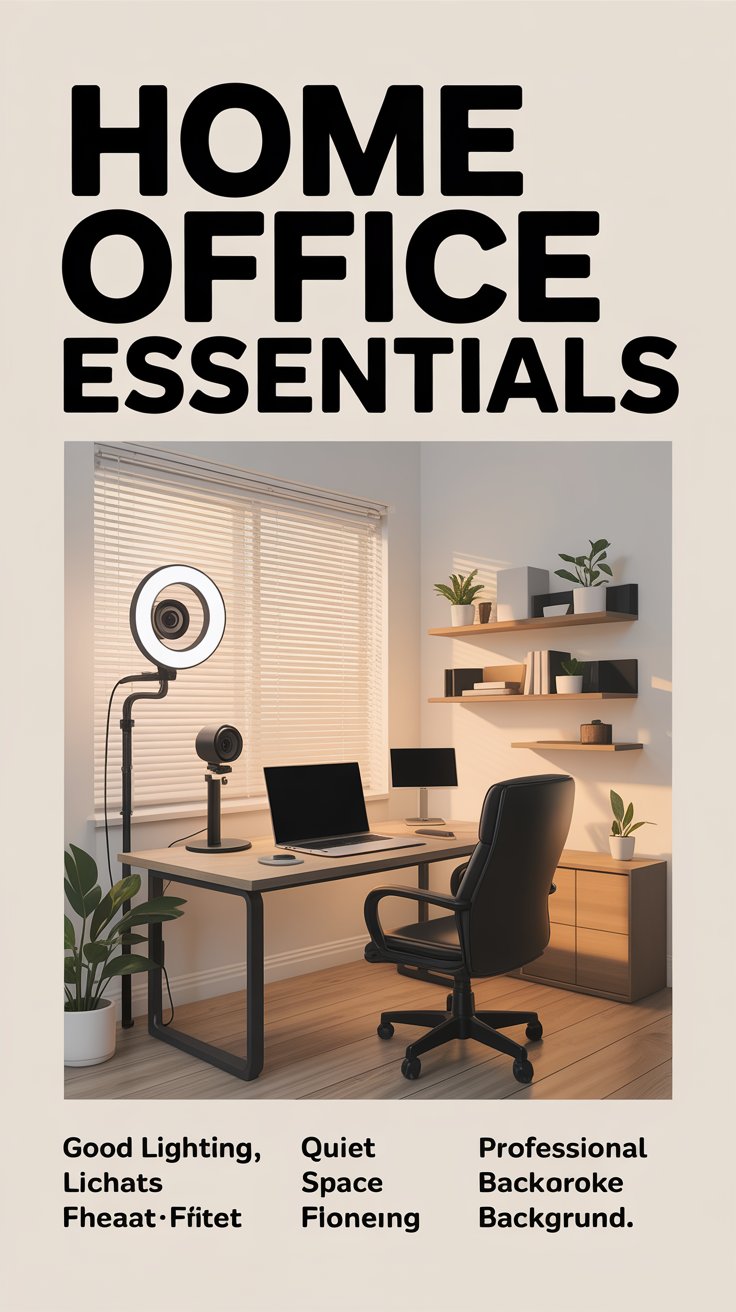
Setting up a home office that works well for remote work and video conferencing is more important than ever. A thoughtfully designed workspace can improve productivity, reduce distractions, and help you appear more professional during virtual meetings. Whether you are working full-time from home or attending frequent online meetings, the right setup will make a significant difference in comfort, efficiency, and communication quality. Below are practical tips to help you create a home office that supports both focused work and high-quality video conferencing.
Choose the Right Location
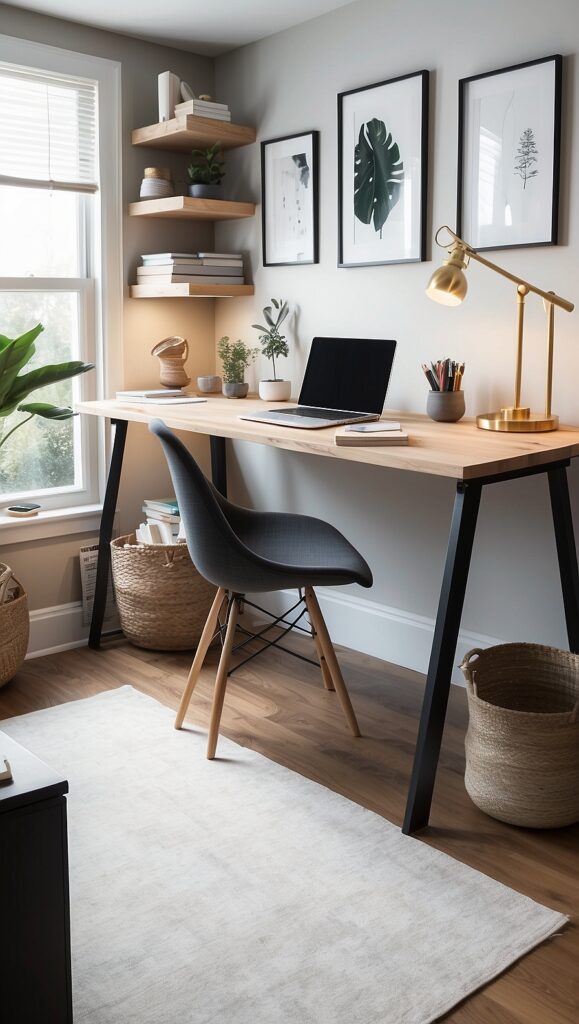
The first step in setting up a home office is selecting a suitable location within your home. Ideally, choose a quiet room or corner where interruptions are minimal. A spare bedroom is often the best option, but if space is limited, a quiet corner in the living room or bedroom can also work.
Try to avoid high-traffic areas where family members or roommates frequently pass by. Background noise and movement can be distracting during meetings and may reduce your concentration while working.
If possible, position your desk away from televisions, kitchens, or busy hallways. A calm and organized space helps create a mental separation between work and personal life.
Invest in an Ergonomic Desk and Chair
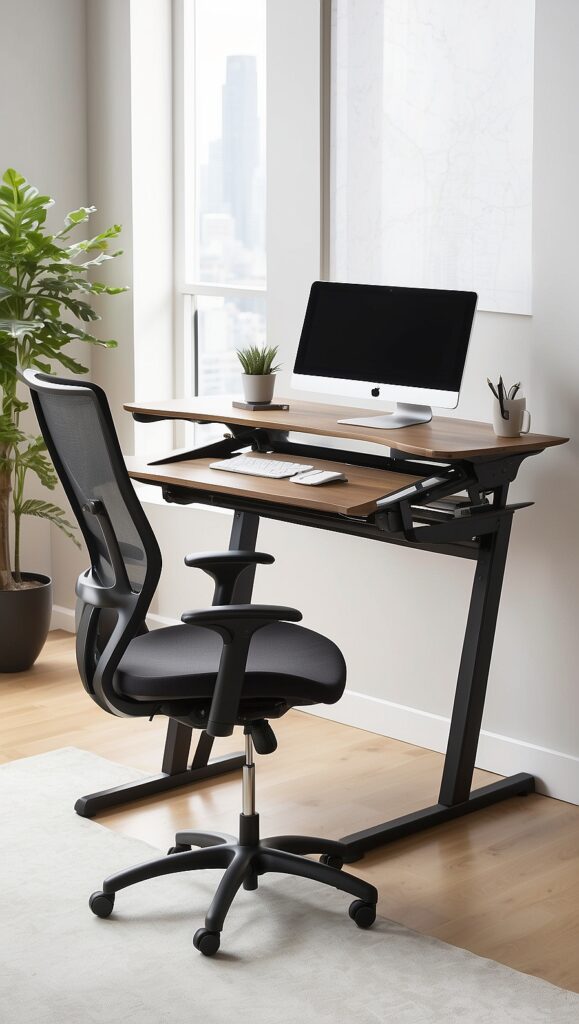
Comfort is essential for productivity. Since remote work often involves long hours at a desk, investing in ergonomic furniture is crucial.
Choose a desk that provides enough space for your computer, monitor, notebook, and other essentials. Adjustable desks are especially helpful because they allow you to alternate between sitting and standing.
An ergonomic chair is equally important. Look for one that supports the lower back, encourages good posture, and allows adjustments for height and armrests. A comfortable chair reduces fatigue, prevents back pain, and helps you stay focused during long meetings.
Optimize Lighting for Video Calls
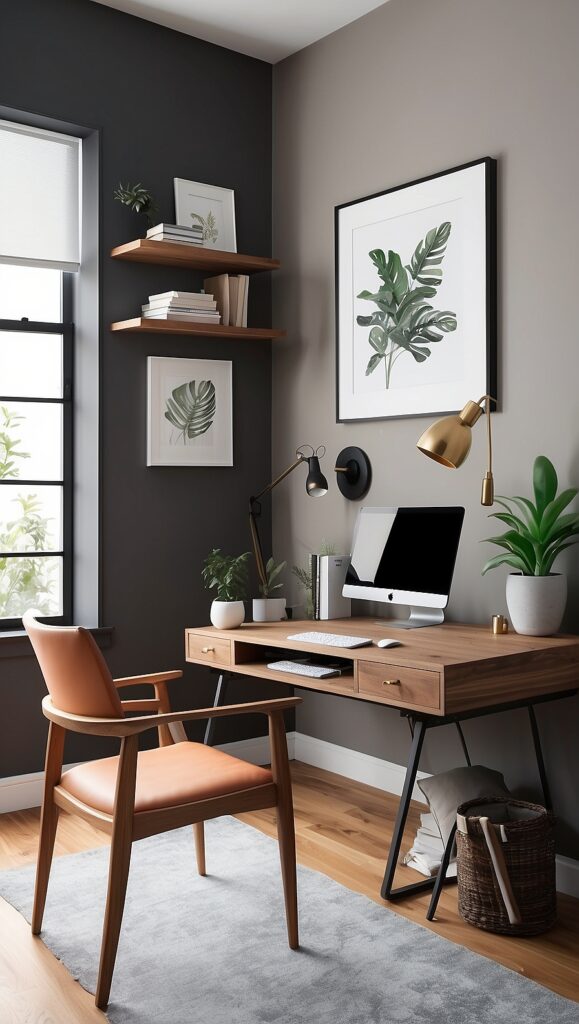
Lighting plays a major role in how you appear on camera. Poor lighting can make video calls look unprofessional or make your face difficult to see.
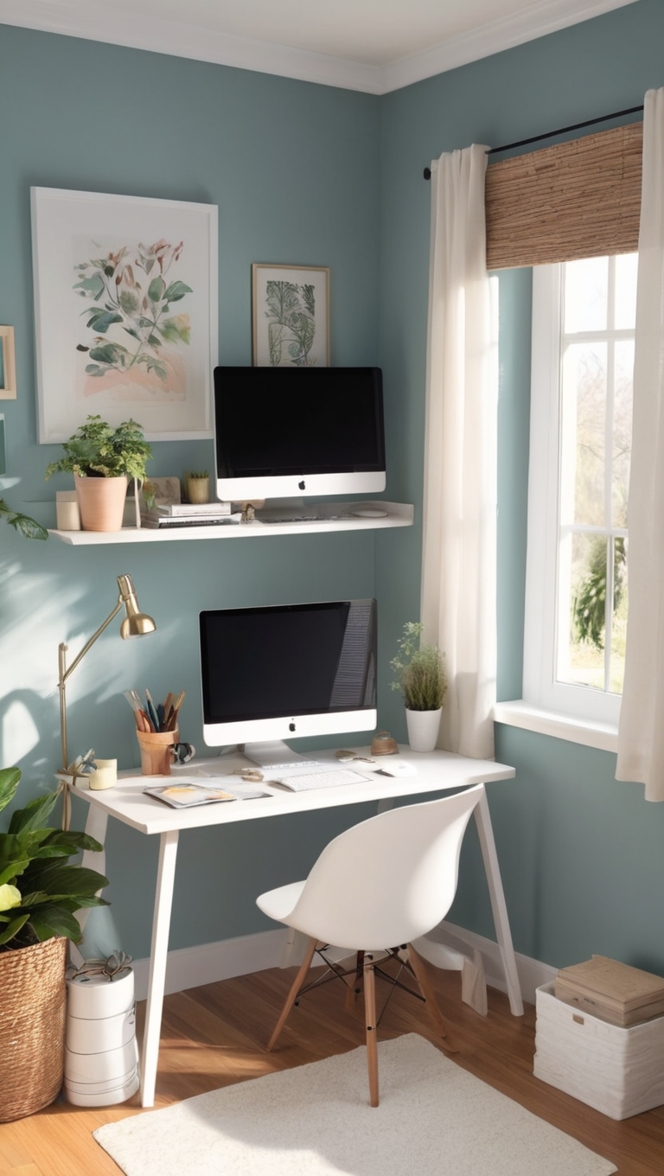
Natural light is the best option. Position your desk so that a window is in front of you rather than behind you. When light comes from behind, it creates shadows and silhouettes that make it difficult for others to see your face clearly.
If natural light is limited, consider adding a desk lamp or a ring light. Soft, diffused lighting works best for video conferencing because it evenly illuminates your face and reduces harsh shadows.
Avoid strong overhead lights or bright lights directly behind your head.
Create a Professional Background
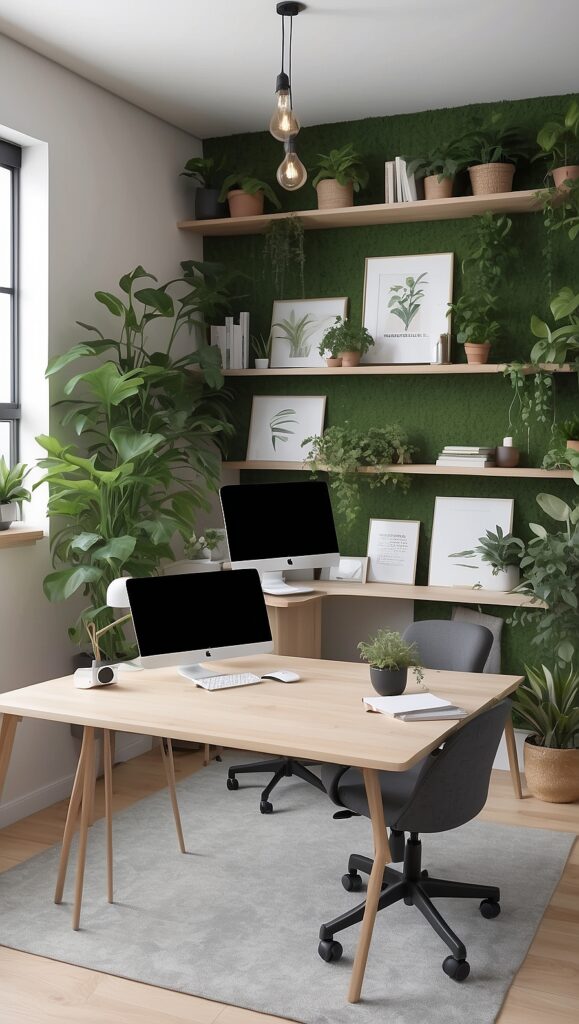
Your video call background says a lot about your workspace. A cluttered or messy background can be distracting and may leave a negative impression during meetings.
Try to keep the area behind you simple and organized. Neutral walls, bookshelves, artwork, or indoor plants can create a clean and professional appearance.
If your workspace does not allow for an ideal background, you can use virtual backgrounds or background blur features in many video conferencing platforms. However, a natural background often looks more authentic and stable.
Use Reliable Technology
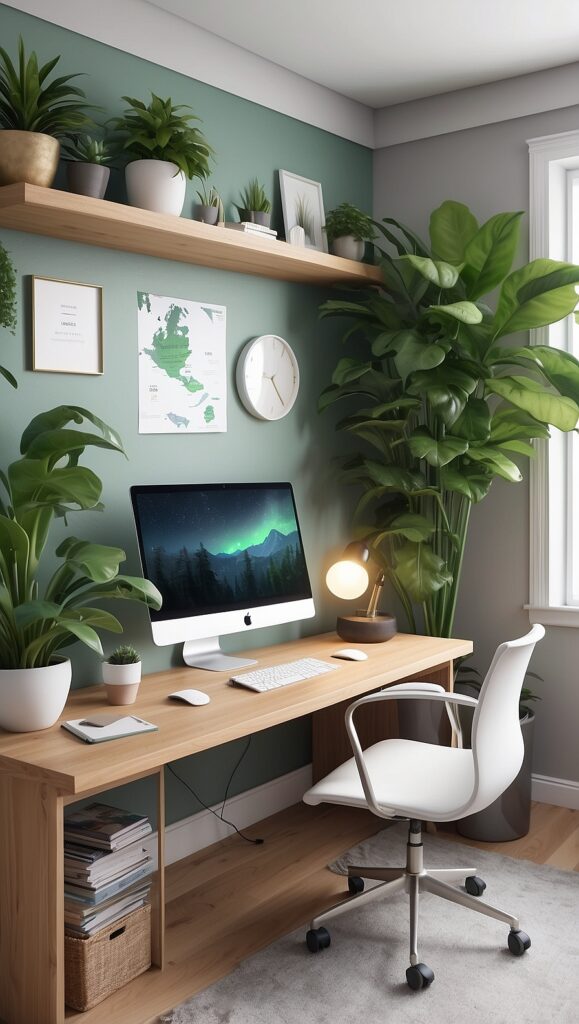
Technology is the backbone of remote work and video conferencing. Make sure your equipment is reliable and capable of handling daily tasks and online meetings.
A fast and stable internet connection is essential. Slow internet speeds can cause lag, frozen screens, or dropped calls during meetings. If possible, connect your computer directly to your router using an Ethernet cable for a more stable connection.
Your computer should also have enough processing power and memory to run video conferencing applications smoothly alongside other work tools.
Improve Audio Quality

Clear audio is just as important as clear video during virtual meetings. Poor sound quality can make communication difficult and frustrating.
Using a dedicated microphone or a headset with a built-in microphone can significantly improve audio clarity. These devices reduce background noise and help ensure that your voice is heard clearly.
Noise-canceling headphones are especially useful if you live in a noisy household or near busy streets.
Position your microphone close enough to capture your voice without picking up unnecessary background sounds.
Choose a Good Webcam
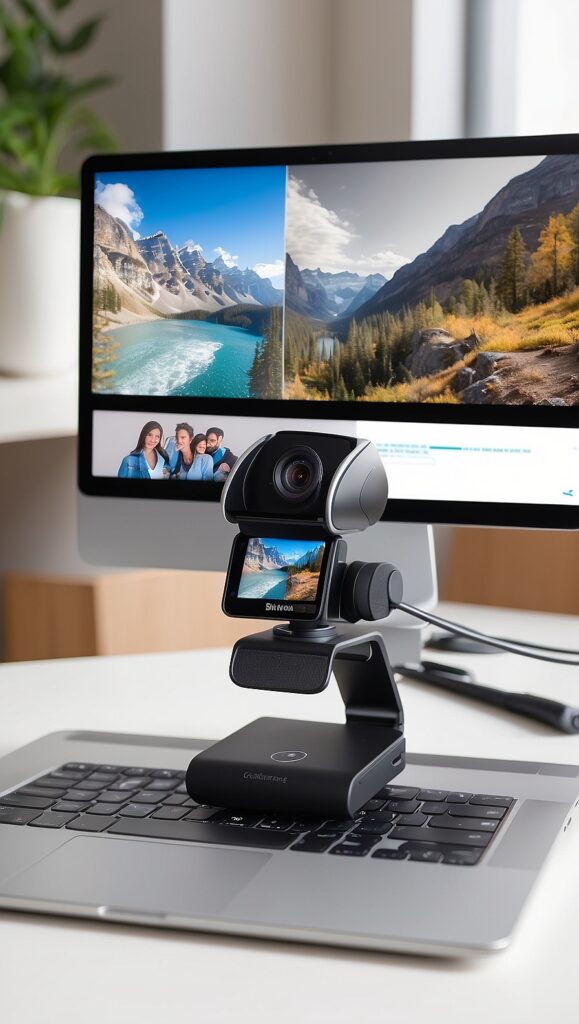
Many laptops include built-in webcams, but their quality is sometimes limited. If you frequently participate in video meetings, investing in an external webcam can improve image clarity and professionalism.
Position the camera at eye level so that you are looking directly into it during conversations. This creates a more natural and engaging interaction with colleagues or clients.
Make sure your camera is stable and not shaking during calls. A small tripod or monitor mount can help keep the camera steady.
Organize Your Workspace
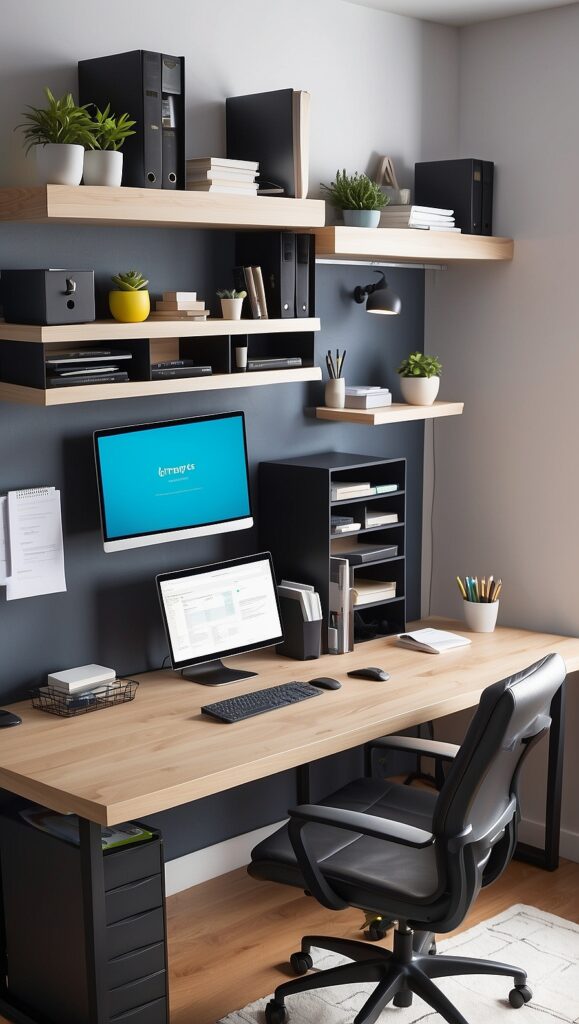
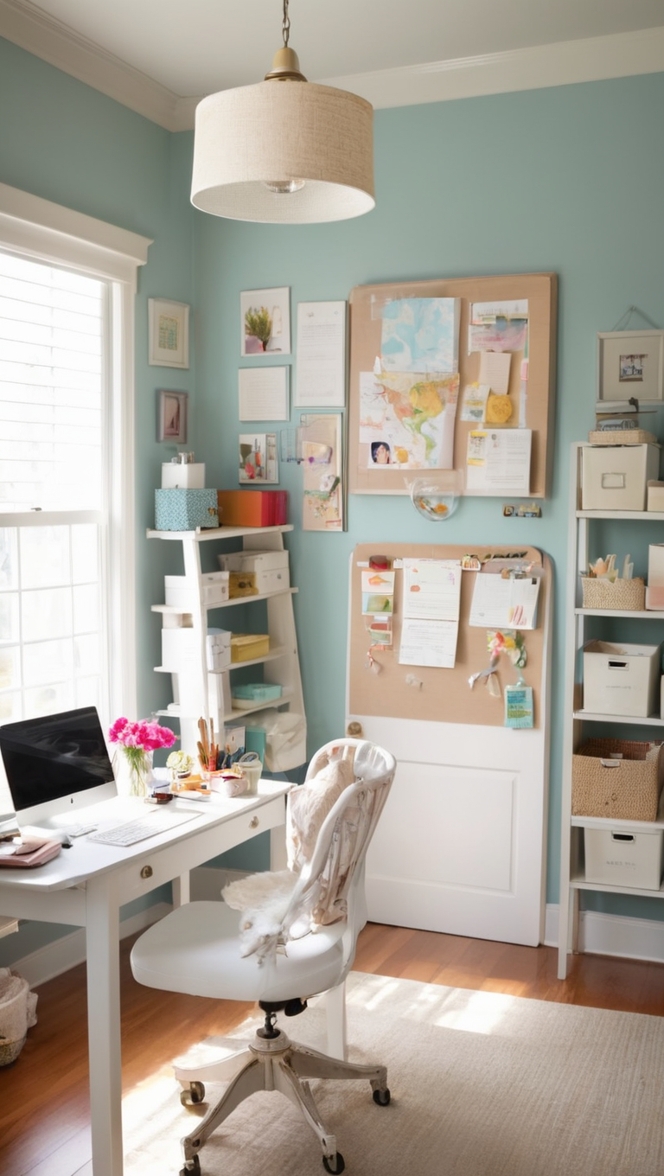
An organized workspace makes it easier to focus and work efficiently. Keep only the essential items on your desk, such as your computer, notebook, and a few office supplies.
Use drawers, shelves, or desk organizers to store documents, cables, and accessories. Cable management tools can help keep wires tidy and prevent clutter.
A clean desk also improves the appearance of your background during video calls.
Reduce Noise and Distractions
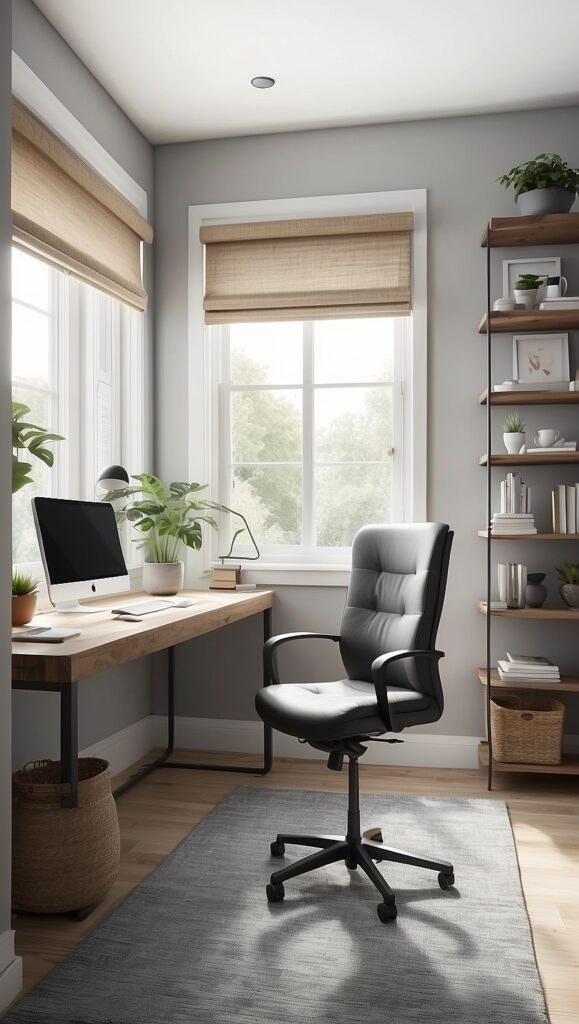
Noise control is critical when working from home. Background sounds like television, pets, or household activities can interrupt meetings and break concentration.
Consider using rugs, curtains, or acoustic panels to reduce echo and absorb sound in your workspace. Closing doors and windows during meetings can also minimize outside noise.
If interruptions are unavoidable, communicate with household members about your meeting schedule so they know when quiet is needed.
Add Personal Touches
While professionalism is important, your home office should also feel comfortable and motivating. Adding personal touches can make the space more enjoyable and inspiring.
Consider including items such as:
- Indoor plants
- Artwork or framed photos
- Inspirational quotes
- Decorative desk accessories
These elements create a welcoming atmosphere without making the space look cluttered.
Plants in particular can improve mood and help reduce stress during long workdays.
Maintain Good Camera Etiquette
A well-designed office is only part of successful video conferencing. Practicing good camera etiquette is equally important.
Dress appropriately for meetings, even if you are working from home. Make eye contact by looking at the camera rather than the screen when speaking.
Mute your microphone when you are not talking to reduce background noise. Speak clearly and maintain a professional posture throughout the meeting.
Simple habits like these help create better communication and leave a positive impression.
Consider Multi-Monitor Setup
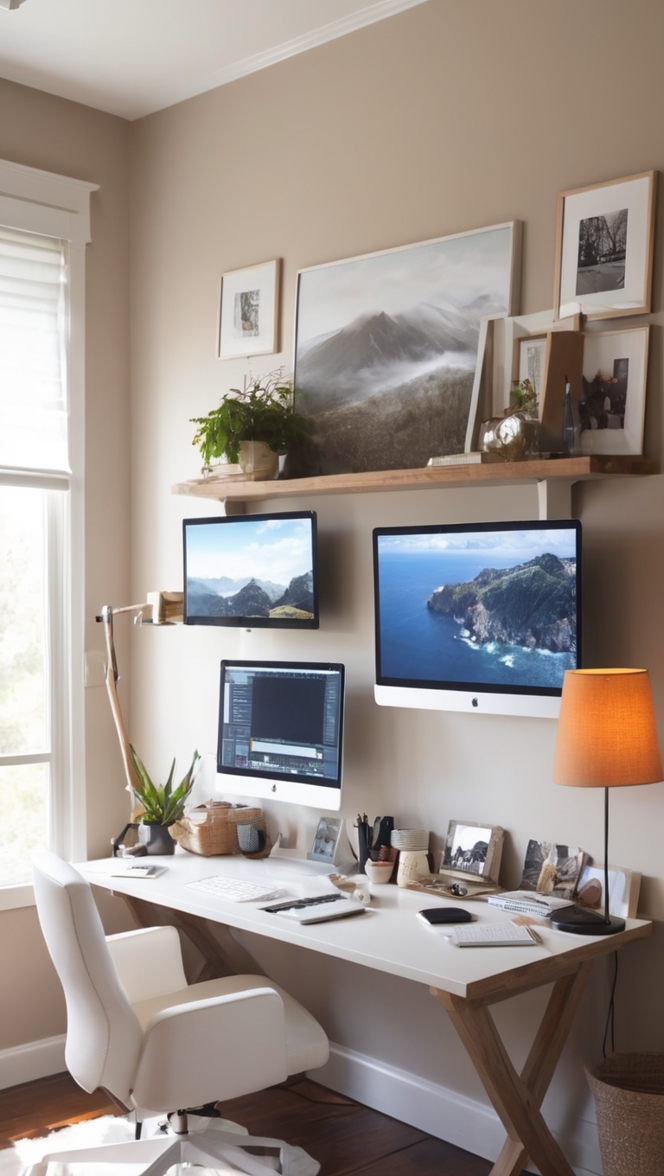
Many remote workers benefit from using multiple monitors. A dual-monitor setup allows you to keep video calls on one screen while viewing documents, notes, or presentations on another.
This arrangement improves efficiency and reduces the need to switch between multiple windows.
If you work with spreadsheets, design software, or research documents, multiple monitors can significantly increase productivity.
Ensure Proper Ventilation and Comfort
Your workspace should also be comfortable in terms of temperature and airflow. Poor ventilation can make long work sessions uncomfortable and reduce focus.
Make sure your workspace has good air circulation and comfortable room temperature. If possible, open windows occasionally for fresh air.
Keeping water nearby and taking short breaks throughout the day also helps maintain energy and productivity.
Conclusion
Creating a home office that supports remote work and video conferencing requires thoughtful planning and the right equipment. By choosing a quiet location, investing in ergonomic furniture, optimizing lighting, and ensuring reliable technology, you can build a workspace that enhances both productivity and professionalism.
A well-organized background, clear audio and video quality, and reduced distractions will make your online meetings smoother and more effective. At the same time, adding personal touches and maintaining a comfortable environment can make your home office a place where you enjoy spending time.
With the right setup, remote work becomes more efficient, communication improves, and your home office can function just as effectively as a traditional workplace.